Browse font folders in RightFont
The Add Folder feature lets you browse and organize fonts directly from existing folders on your Mac without copying the font files into a RightFont library.
RightFont automatically keeps the folder synchronized, so changes to the folder are reflected in RightFont in real time.
- In RightFont, click the + button in the sidebar.
- Choose Add Folder from the menu.
- Select a folder containing font files and click Add Folder button.
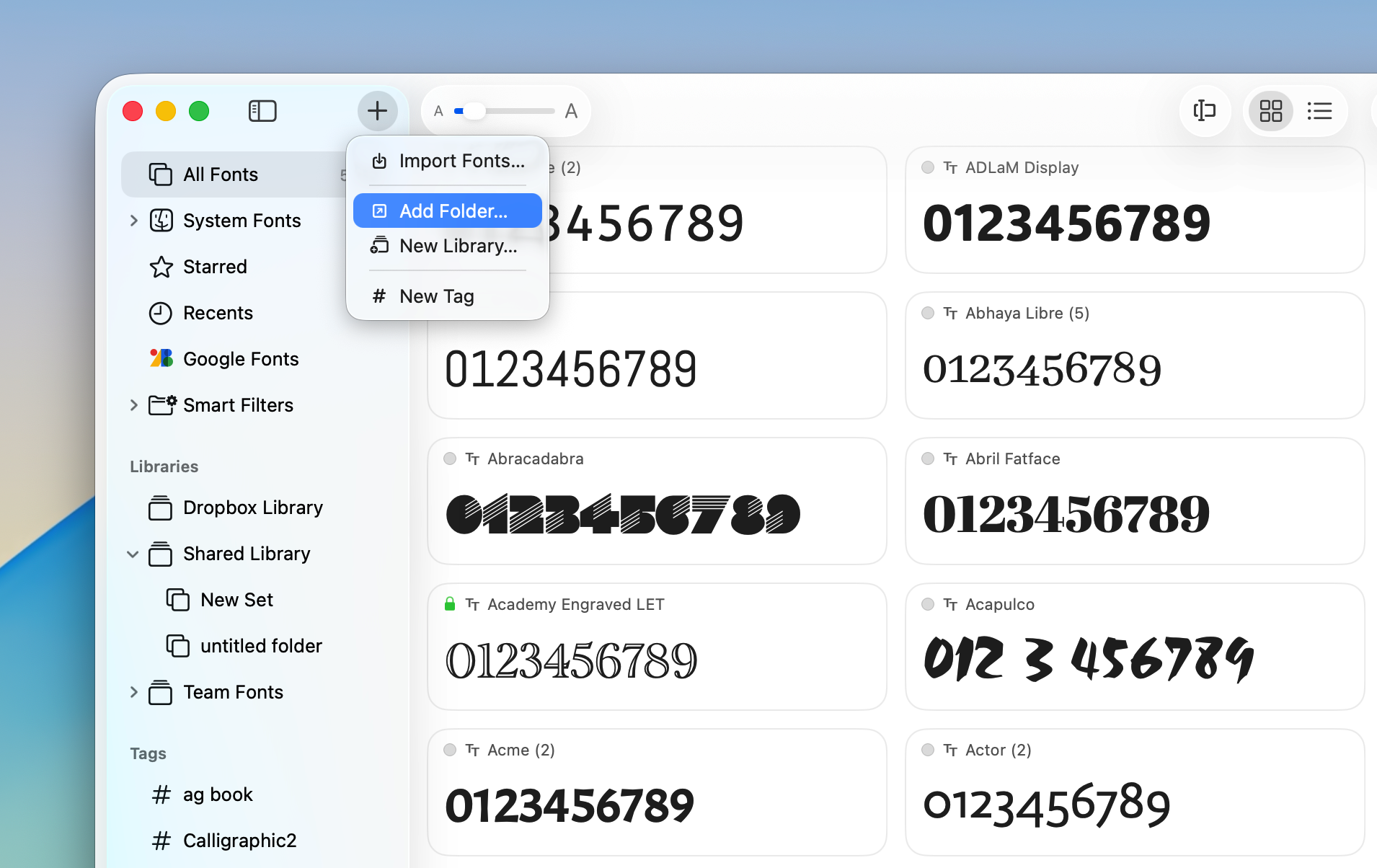
The selected folder will appear in the sidebar for browsing and font management.
- Font files remain in their original location and are not copied or modified.
- Added, removed, or updated font files are automatically synchronized with RightFont.
- Subfolders are automatically displayed as nested font sets in the sidebar for easier organization.