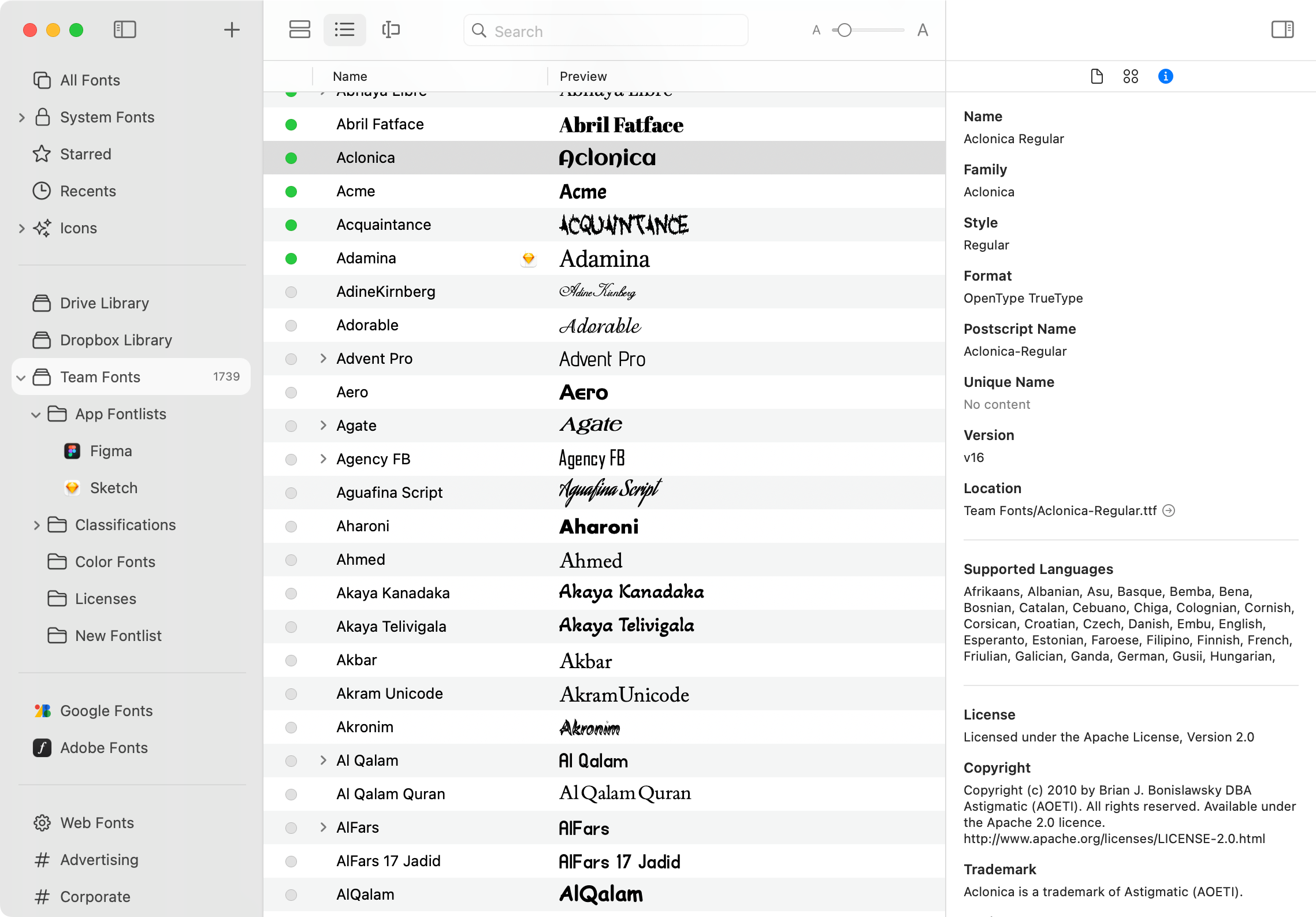
View font info and glyphs
RightFont makes it easy to inspect fonts in detail, including font previews, glyphs, OpenType features, and font metadata.
To open the font inspector, select a font from the list. In the inspector panel, you can switch between tabs such as Overview, Glyphs, and Information.
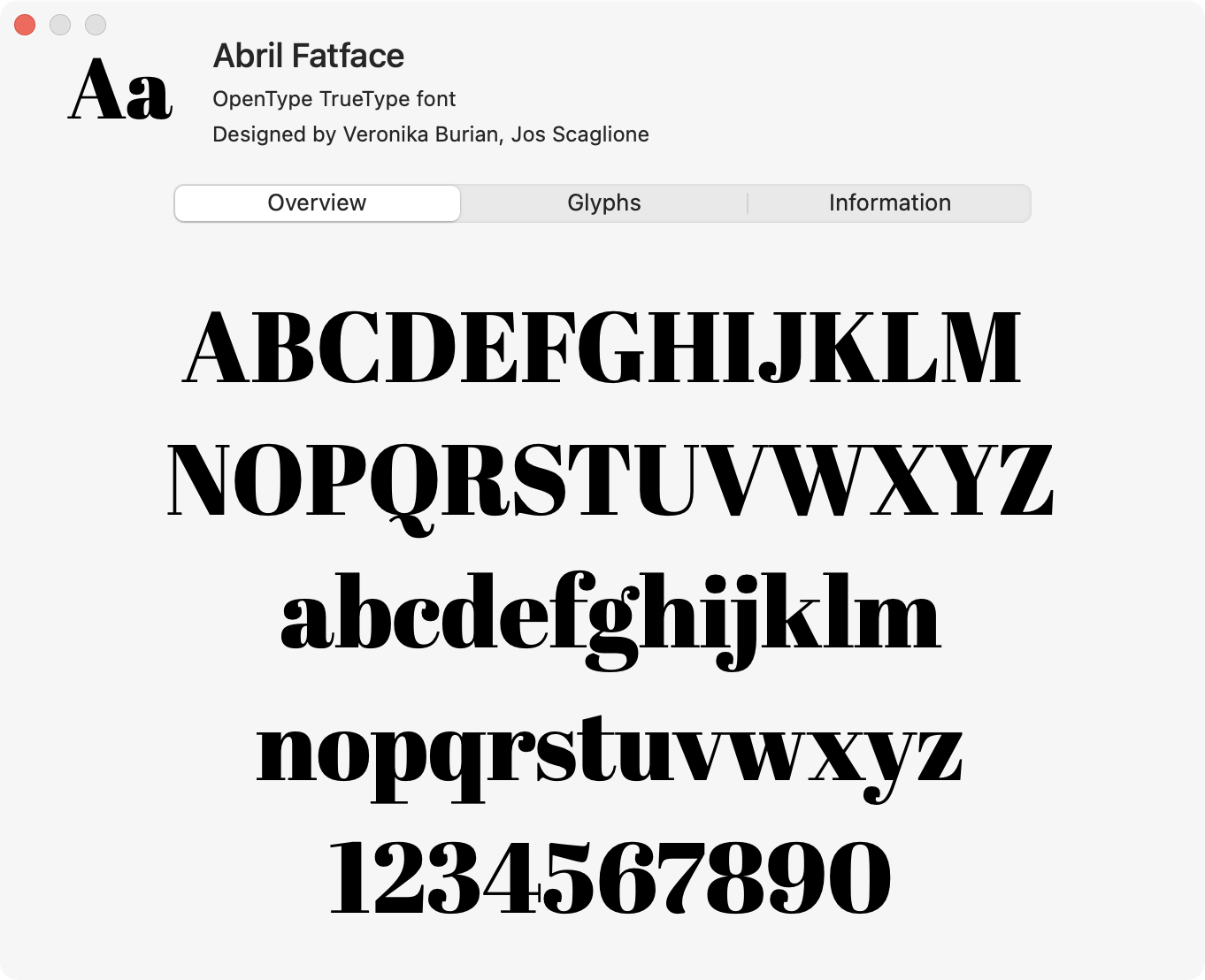
Font Preview
The Preview tab provides a detailed preview of the selected font and its visual characteristics.
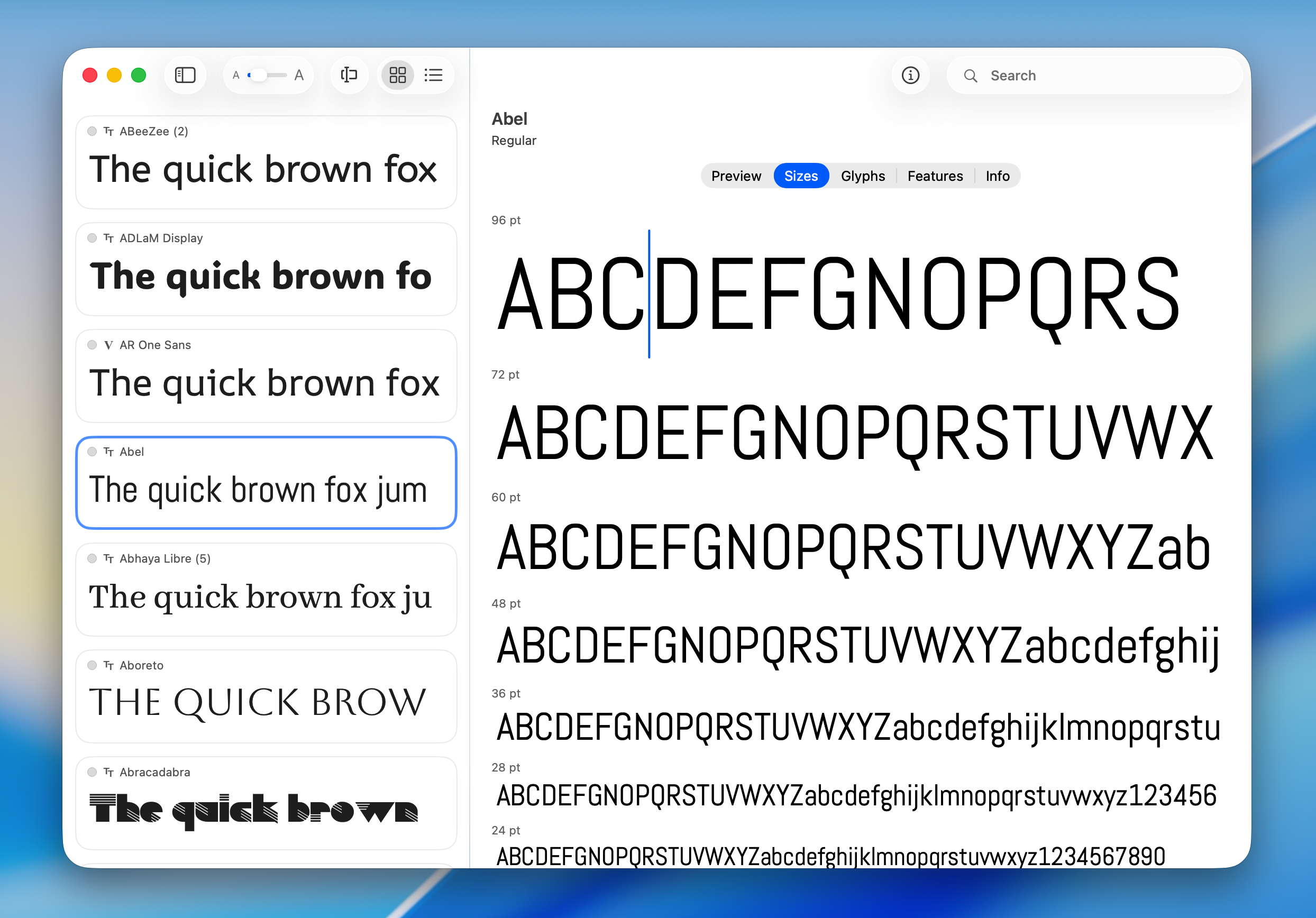
View Font Sizes
The Sizes tab helps you preview how a font appears across different font sizes using waterfall previews.
You can quickly evaluate:
- Readability at small and large sizes
- Character spacing and proportions
- Stroke thickness and detail
- Heading and body text appearance
RightFont displays the font in a range of preset sizes, making it easy to determine the best size for UI design, branding, editorial layouts, and other typography work.
You can also enter custom preview text to see how your own content looks at different sizes.
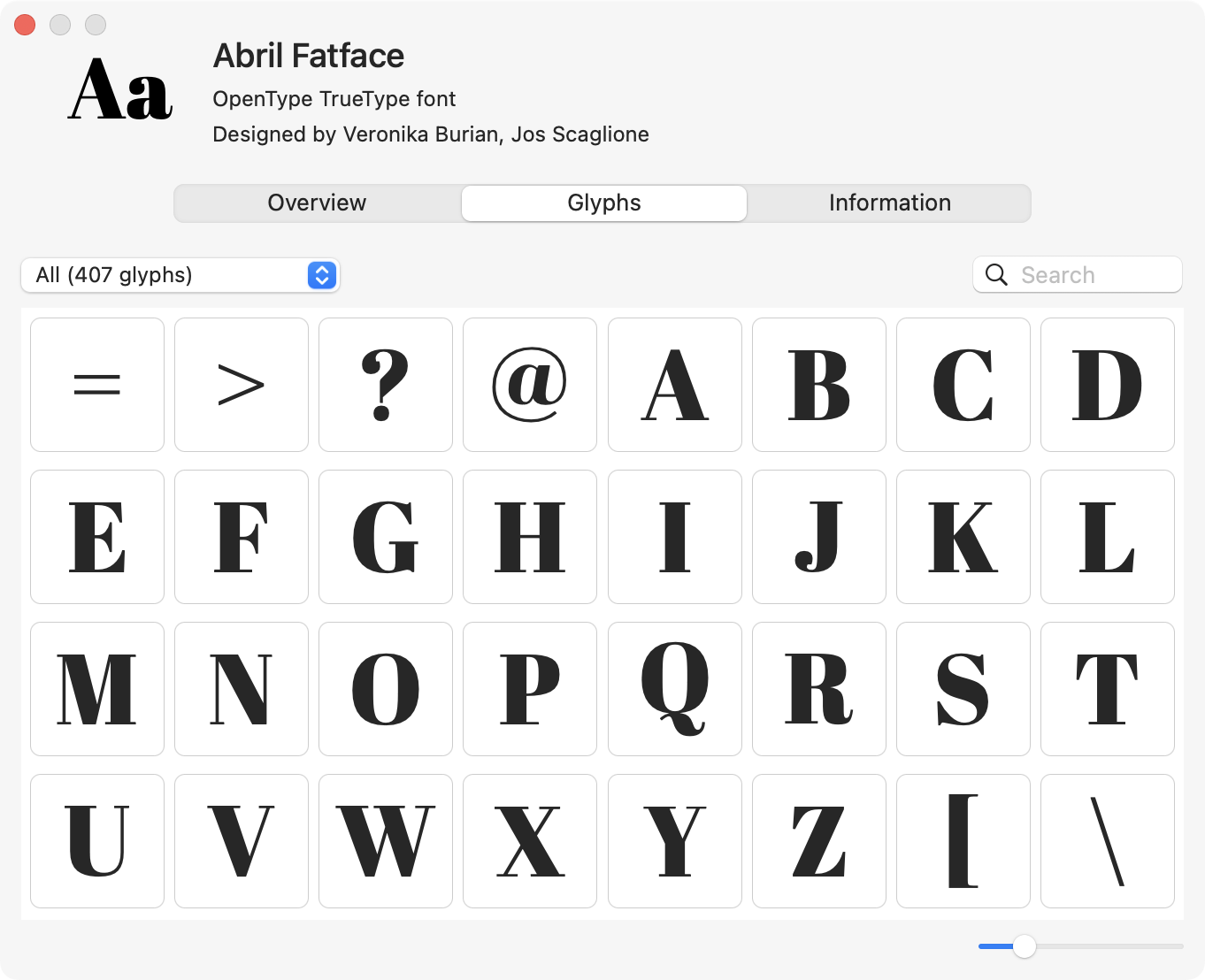
View Font Glyphs
The Glyphs tab lets you explore all characters available in the font.
You can browse:
- Uppercase and lowercase letters
- Numbers and punctuation
- Symbols and special characters
- Language-specific glyphs
- Alternate characters and ligatures
This makes it easy to inspect and use specific glyphs for typography and design work.
View OpenType Features
RightFont also supports previewing OpenType features included in a font.
Depending on the font, you can explore features such as:
- Ligatures
- Stylistic alternates
- Small caps
- Oldstyle figures
- Fractions
- Contextual alternates
This allows you to better understand the advanced typographic capabilities of the font.
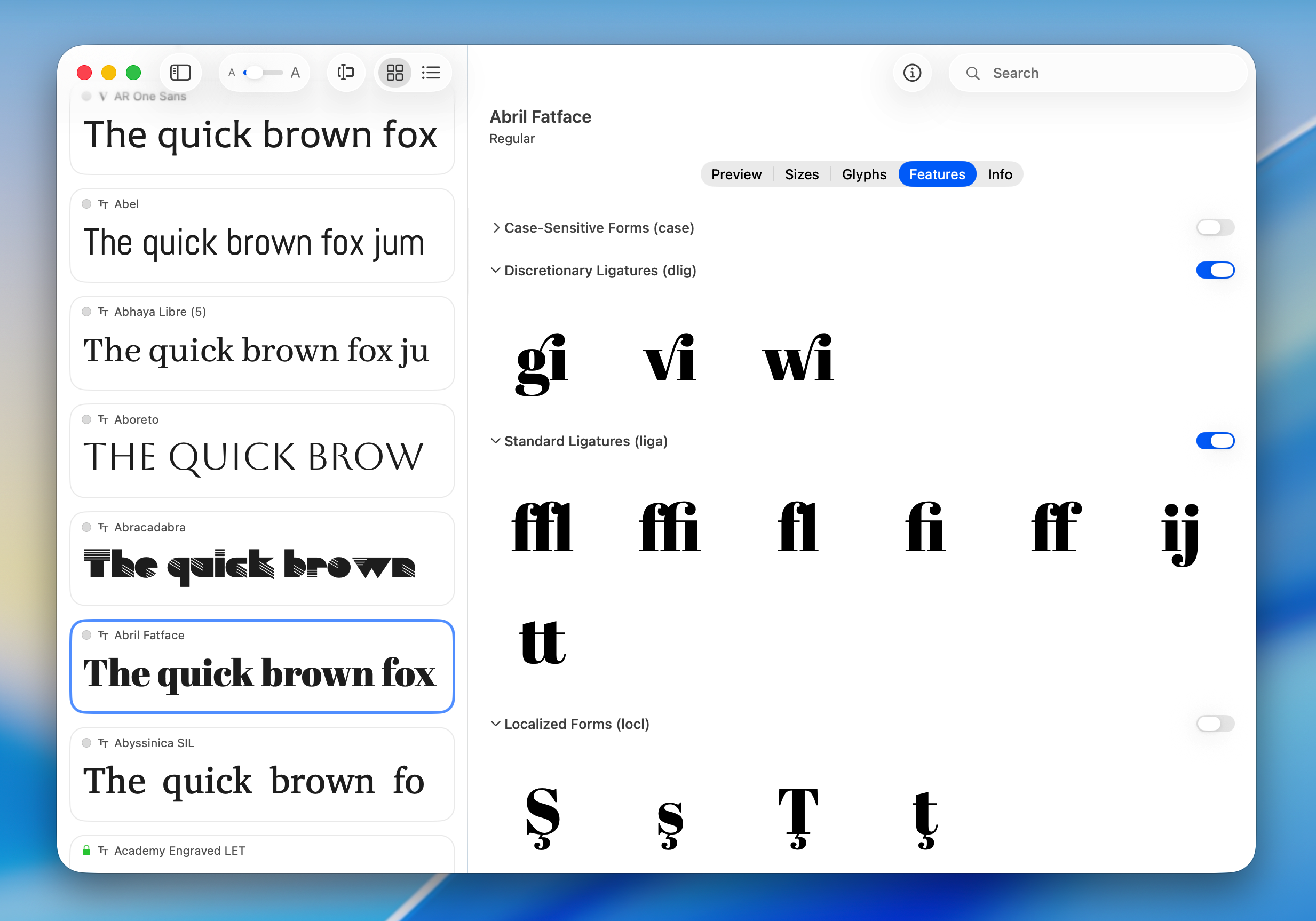
View Font Information
The Information tab displays detailed metadata about the font, including:
- Font name and family
- Designer and foundry
- Version information
- License details
- Supported languages
- File format and technical information
This information helps you understand the specifications and licensing details of the selected font.