RightFont
RightFont - Best font manager for macOS

終極 Mac 字型管理 App

RightFont 是一款強大、原生且直覺的 macOS 字型管理工具,協助設計師輕鬆整理、預覽、啟用與共享字型。

立即購買 下載

需要 macOS 11 或更新版本。已支援 macOS Tahoe。

深受數千個團隊與創意工作室的信賴

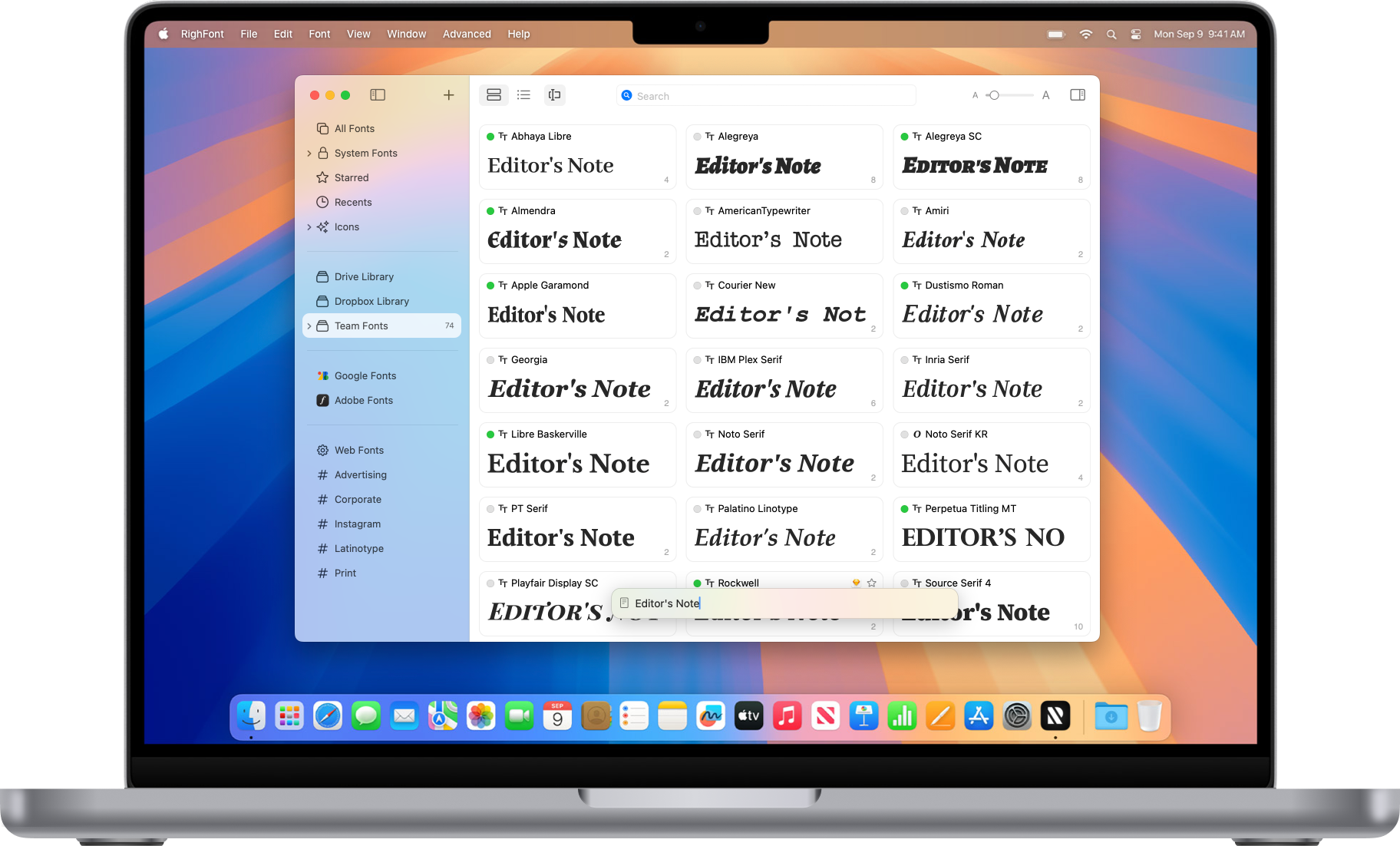
在單一工作區管理所有字型

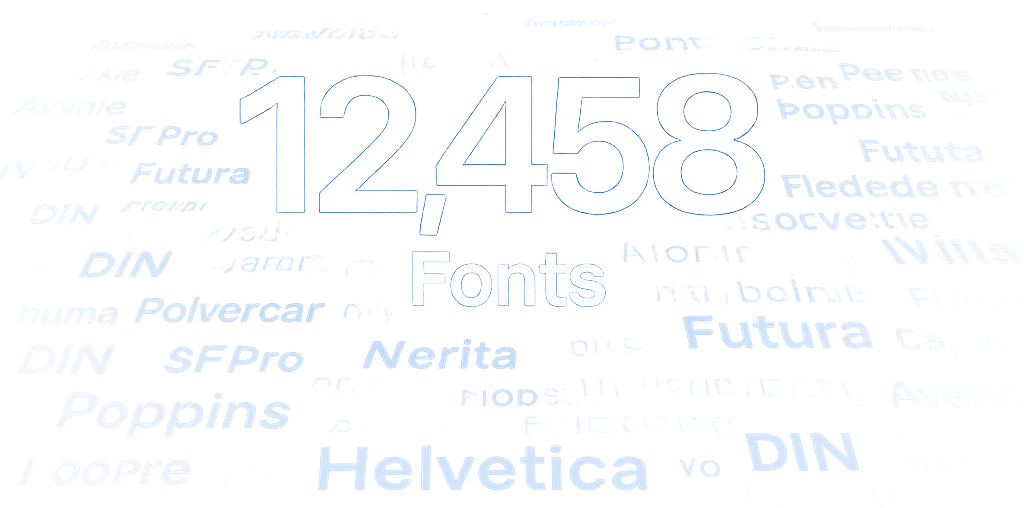
將分散的字型、資料夾、Google Fonts 和團隊字型庫集中到一個快速、井然有序的工作區中,即使擁有數萬款字型也能輕鬆管理。

即時瀏覽字型

無需安裝即可預覽字型,瀏覽任意資料夾,並保持字型庫井然有序,無需將字型檔案複製到系統目錄中。

所有字型集中管理

從單一工作區存取本機資料夾、團隊字型庫和 Google Fonts。

海量字型庫也能流暢管理

即使擁有數萬款字型,也能保持快速且井然有序。

與團隊共享

隨時隨地與團隊共享字型、字型集與標籤。

數秒內找到任何字型

使用強大的搜尋、標籤、字型集與智慧篩選器,從數千款字型中快速找到合適的字型。

找到合適的字型

RightFont 是一款強大且易用的字型管理工具,內建整合搜尋,協助您即時找到合適字型,不必再在無盡的字型清單中滾動尋找。

標籤與字型集

建立自訂標籤與字型集,讓常用字型保持井然有序且便於存取。

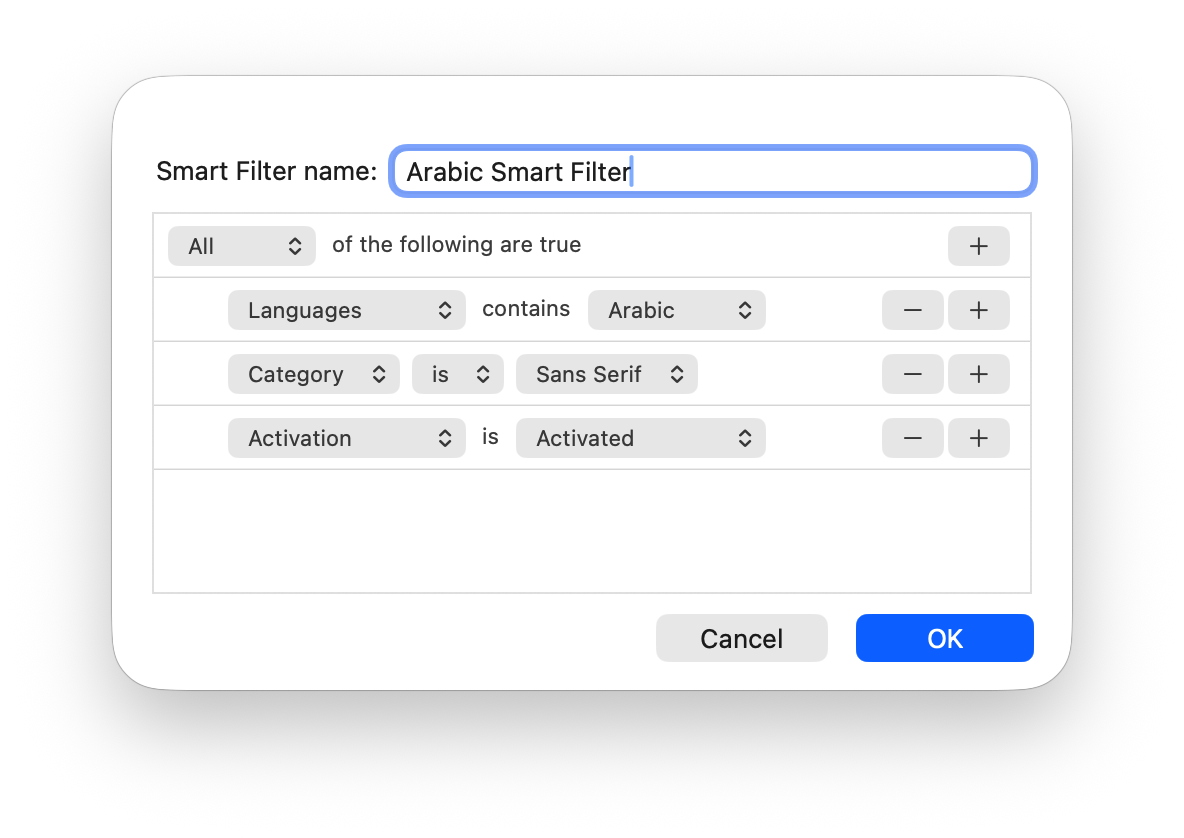
智慧篩選器

儲存自訂篩選器,只需點擊一次即可找到所需字型。

自信地預覽與評估字型

透過彈性檢視、預覽預設集、OpenType 特性、圖像(Glyphs)與詳細字型資訊來比較、探索和評估字型。

更快速預覽字型

快速切換預覽預設集,建立自訂預設集,並以您需要的方式查看字型。

完美配合其他設計 App

RightFont 與設計 App 深度整合,可在設計文件內啟用遺失的字型,並快速為選取的文字或圖層更換字型。

自動啟用 遺失字型

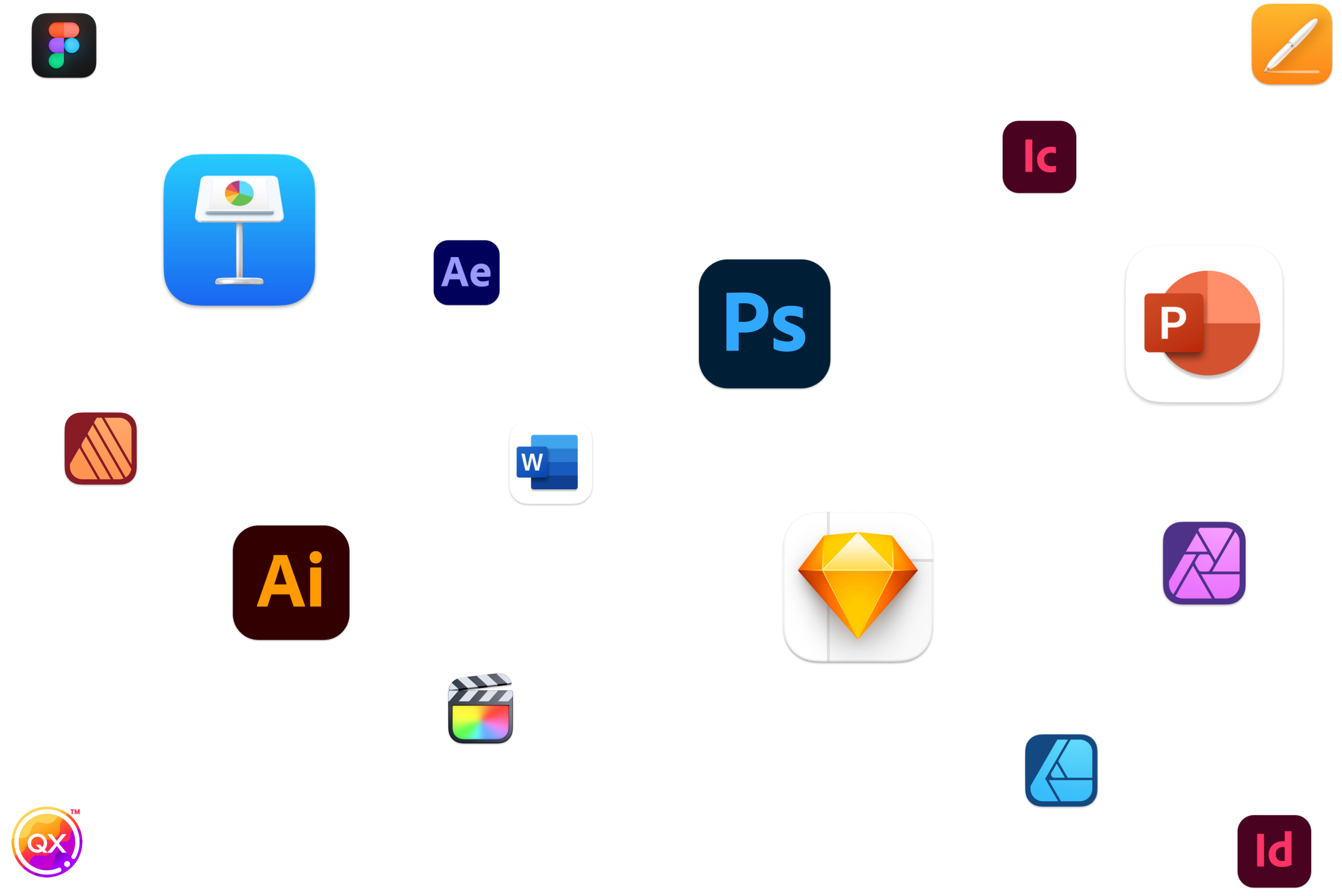
當您在 Photoshop、Illustrator、Sketch 或任何支援的設計 App 中開啟文件時,RightFont 會自動偵測並提示您啟用遺失的字型。

查看支援的 App

支援遺失字型自動啟用的應用程式

Pro font manager for macOS and Adobe Photoshop
CS6 - CC 2026
Best font manager for Mac, Adobe Illustrator
CS6 - CC 2026
Best font manager for Mac, Adobe InDesign
CS6 - CC 2026
RightFont - Best font manager app for macOS, Adobe InCopy
CS6 - CC 2026
Font management software for Mac and Adobe After Effects
CS6 - CC 2026
Pro font manager for macOS and Adobe XD
Font management software Adobe Animate
CC - CC 2023
Next generation of professional photo, design, and layout softwareAffinity
3.0
Font management app for Mac and Figma
Font management app for Mac and Sketch
Font app for maOS, QuarkXPress
Quark 10 - Quark 2026
Free font manager app for Mac and Affinity Designer
Font Manager, Font Auto-Activation for Mac &Affinity Photo
Best font manager for macOS and Affinity Publisher
Best font manager for Mac and OmniGraffle
Pro font manager for Mac and Pages
Free font manager for Mac and Keynote
Mac font management for Numbers
Mac font manager for Pixelmator
Pro font manager for macOS and Pixelmator Pro
Professional font manager for Mac, MindNode
Pro font installer for Mac, Final Cut Pro
Preview and install fonts for Mac, Swift Publisher

一鍵為選取文字或文字圖層更換字型。

只需在支援的設計 App 中選取文字或文字圖層,然後使用 RightFont 的套用字型功能,一鍵切換為所選字型。若字型尚未安裝,RightFont 會在背景自動啟用。

查看支援的 App

支援一鍵更換字型的應用程式

Font manager & font management for Mac, Adobe Photoshop
Font manager & font management for Mac, Adobe Illustrator
Font manager & font management for Mac, Adobe InDesign
Font manager & font management for Mac, Adobe InCopy
Font manager & font management for Mac, Adobe After Effects
Font manager & font management for Mac, Adobe Animate
Font manager & font management for Mac, Sketch
Font manager & font management for Mac, Affinity
Font manager & font management for Mac, QuarkXPress
Font manager & font management for Mac, Pixelmator Pro
Font manager & font management for Mac, Microsoft Word
Font manager & font management for Mac, Microsoft Excel
Font manager & font management for Mac, Microsoft PowerPoint
Font manager & font management for Mac, Keynote
Font manager & font management for Mac, Pages
Font manager & font management for Mac, Affinity Designer
Font manager & font management for Mac, Affinity Photo
Font manager & font management for Mac, Affinity Publisher
Font manager & font management for Mac, OmniGraffle

更多愛上 RightFont 的理由

Google Fonts

同步並管理大量精美的 Google 字型,讓您可以在任何 Mac App 中於本機使用它們。

標籤與智慧篩選器

使用標籤或智慧篩選器整理專案字型,並套用進階篩選條件。

即時可用

只需輕點一下即可安裝並使用字型,無需將字型檔案複製到系統目錄中。

圖像與字型資訊

點擊任意字型或按下空白鍵,即可瀏覽字型圖像與詳細資訊。

圖示字型

輕鬆將數千個精美免費圖示拖放到您選擇的任何設計 App 中。

Apple 晶片

在搭載 Apple 晶片的 Mac 上原生執行,充分發揮強大效能。

深色模式

透過沉浸式深色模式,獲得更專注的工作體驗。

專為 Mac 而設計

憑藉對前沿技術的強大支援,RightFont 與 macOS 深度整合。

一次性購買

無需訂閱。一次購買,即可無限使用。

準備好整理您的字型庫了嗎?

您所需的一切。一次性購買。

免費試用 立即購買

有任何問題嗎?